E-Invoice Viewer
Easily visualise XML invoices including attachments

Easily visualise XML invoices including attachments



(in Germany)
Since the Growth Opportunities Act (WCG) came into force on 1 January 2025, companies based in Germany have been required to be able to receive e-invoices. However, e-invoices in the permitted formats UBL XML (Universal Business Language) and CII XML (Cross Industry Invoice) are difficult for the human eye to read.
The Open7 E-Invoice Viewer helps you and your employees read and check e-invoices by converting them into readable HTML files within seconds.
Example of an XML invoice before visualisation:
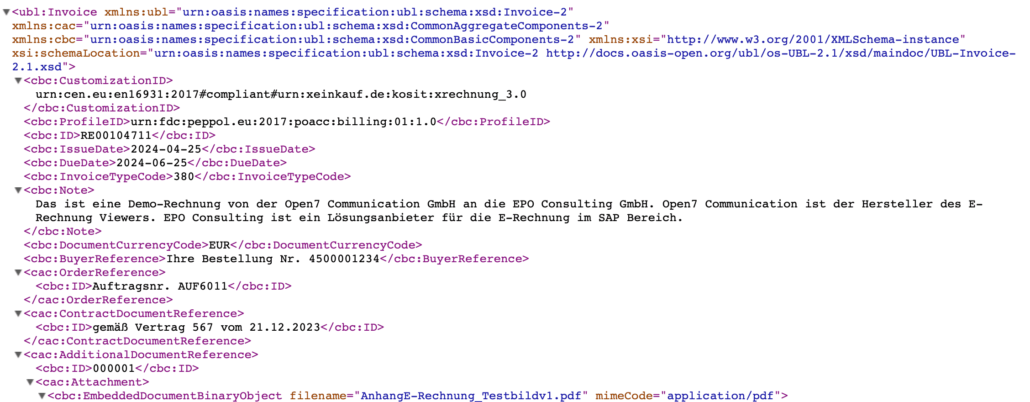
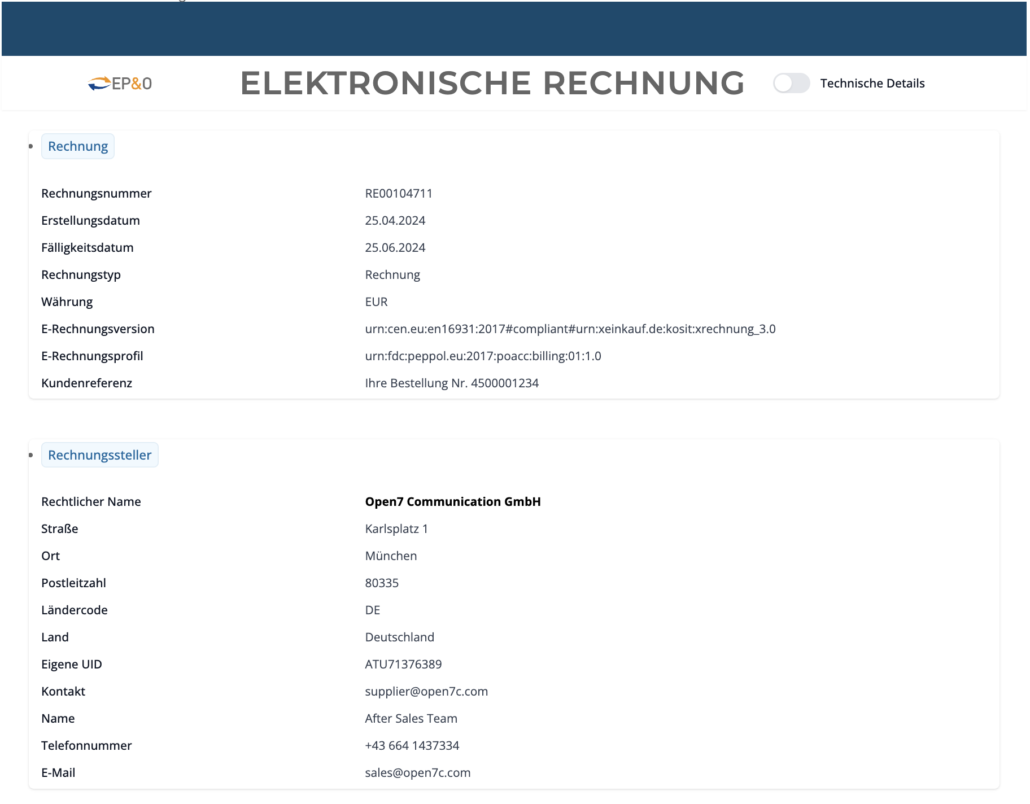
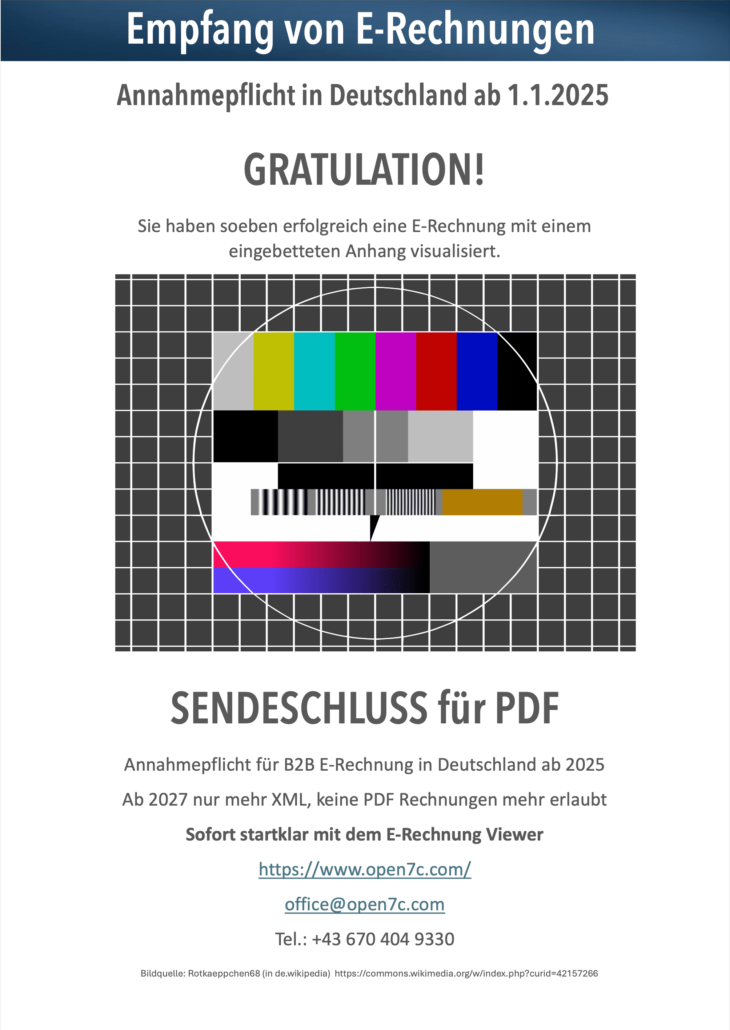
The invoice attachments contained in e-invoices are also not directly readable by humans, as they are integrated into the e-invoice using base64 encoding.
The Open7 E-Invoice Viewer also extracts invoice attachments, decodes them and displays all attachments as part of the visualised HTML for you to view.
Another advantage of visualising e-invoices as HTML is that this HTML can be easily and conveniently converted into a PDF for further processing.
This is particularly important for existing systems within companies that do not yet support e-invoices. The Open7 E-Invoice Viewer ensures that all information contained in the e-invoice is also displayed in full in the PDF.
Various options are available for download.
Contract terms (details in the offer): Minimum contract term of 12 months with annual payment in advance. 10 working days’ right to informal cancellation with money-back guarantee!
You are also welcome to send us a test invoice by email to office@open7c.com. We will then send you an email with an HTML and PDF attachment.
| Function | XML Viewer Free | XML Viewer Premium |
|---|---|---|
| UBL XML as HTML (XRechnung, PEPPOL BIS Billing) | yes | yes |
| CII XML as HTML | yes | yes |
| Extract CII XML from ZUGFeRD PDF and visualise CII XML | no | yes (in development) |
| Display embedded PDF attachments in HTML | yes | yes |
| Display embedded other attachments (xlsx, docx) separately | no | yes (in development) |
| UBL XML as PDF | no | yes |
| CII XML as PDF | no | yes |
| Web-Interface | yes | yes |
| Your own customer area with login | no | yes |
| REST API | no | yes |
| Email integration (send XML, return HTML and PDF) | no | yes |
| Layout adjustment | no | yes |
| Visualisation in German | yes | yes |
| Visualisation in English | no | yes |
| Visualisation in other languages | no | Yes, with extra charge |
| Selection for formatting date values, numbers, amounts | No, default settings are dd.mm.yyyy, comma as decimal separator and full stop as thousand separator. | yes |
| Visualisation of other e-invoice formats (FatturaPA Italy, SAP INVOIC IDoc, KSeF Poland) | no | yes, with extra charge |
Uploading XML files in the web browser (all versions)
Send XML files as email attachments to a defined email address. The reply email contains the HTML and PDF files as well as the validation check report (optional). Only available in the Premium version.
REST API for automation (Premium version only)
XML Viewer Developer Kit for integration into your own applications
Display XML e-invoices directly in ERP systems as HTML or continue working with the created PDF or HTML file.
Server solution for self-hosting on-premises or in a cloud
Please write to us using our contact form or contact our Sales Manager Manfred Trojan directly for a personal consultation.